What Homie does
A private AI assistant that chats with you, keeps your tasks and notes in order, runs automations on your schedule, and remembers what matters — with your data on your device.
AI chat
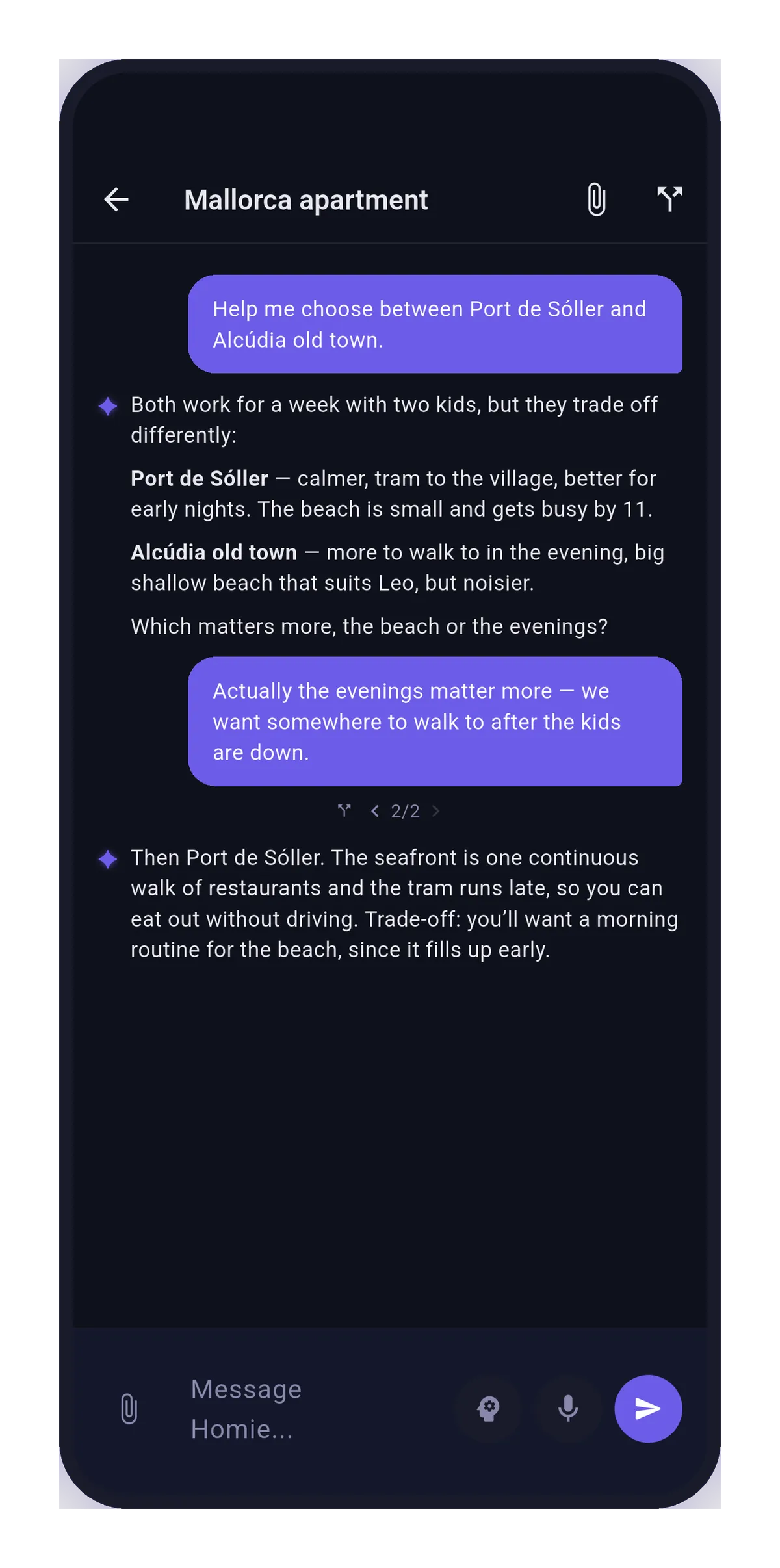
Talk to Homie the way you think. Responses stream in as they're written, with full markdown — code blocks, tables, and links included.
- Voice input — speak instead of typing; Homie transcribes as you go.
- Branch any conversation — explore a different direction from any message without losing the original thread, and hop between branches in place.
- Attach context — link tasks and notes to a chat so Homie answers with the right background.
- You stay in charge — when Homie wants to act outside the app (like adding a calendar event), it shows you exactly what it will do first. Approve, edit, or decline.
Tasks & notes
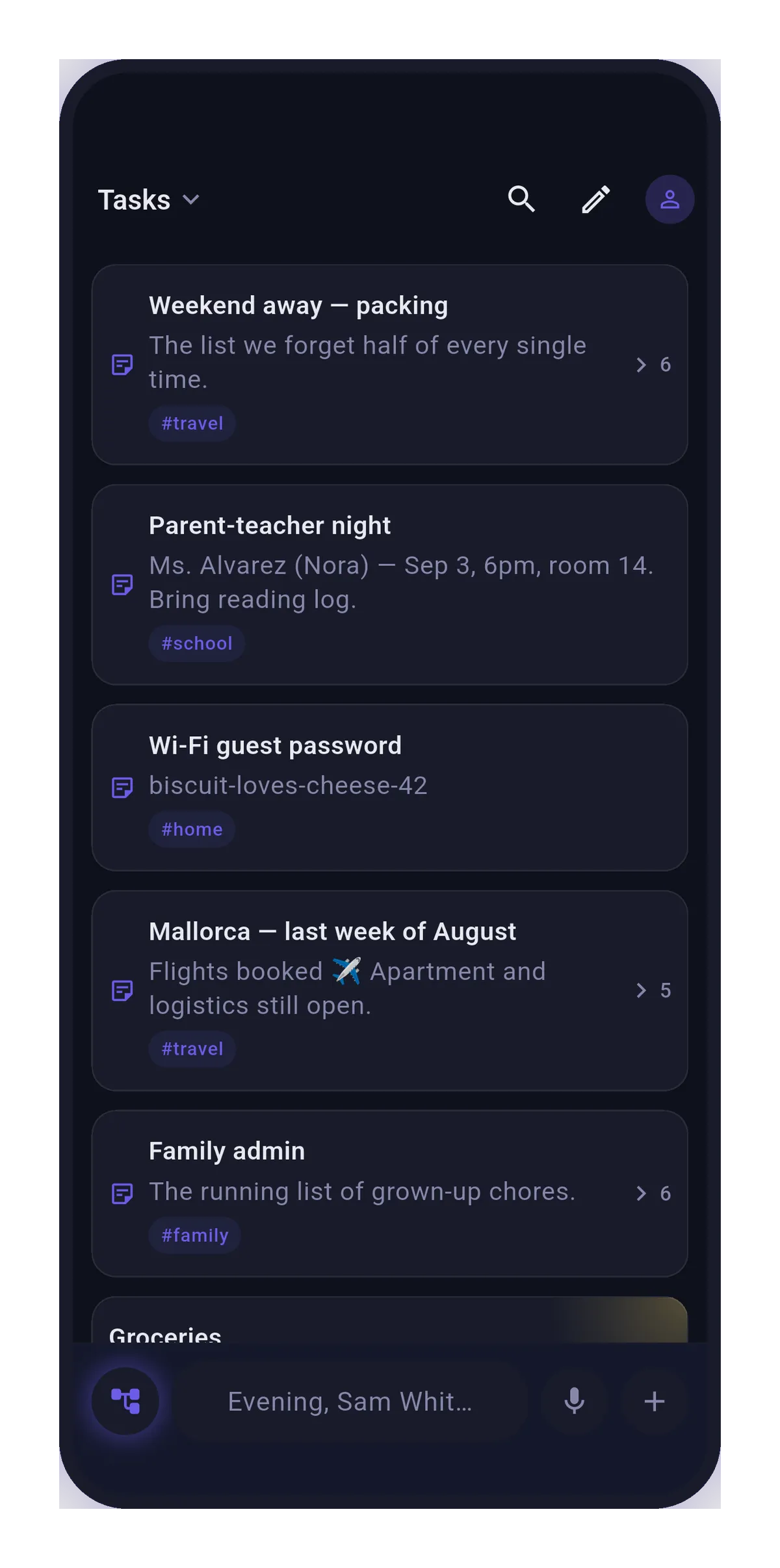
One tree for everything: tasks and notes nest under each other, so projects, checklists, and reference notes live together in the structure you'd naturally give them.
- Agenda view — open tasks bucketed by Overdue, Today, Tomorrow, This week, and Later, sorted by priority.
- Due dates & recurrence — repeating tasks, priorities, tags, and reschedule in a tap.
- Reminders — notifications when a task is due, plus a weekly-review recap of what you finished.
- Home-screen widgets — an at-a-glance agenda of upcoming tasks on iOS and Android.
- Rich notes — markdown bodies with interactive checkboxes, attachments, links, and full-text search.
Automations
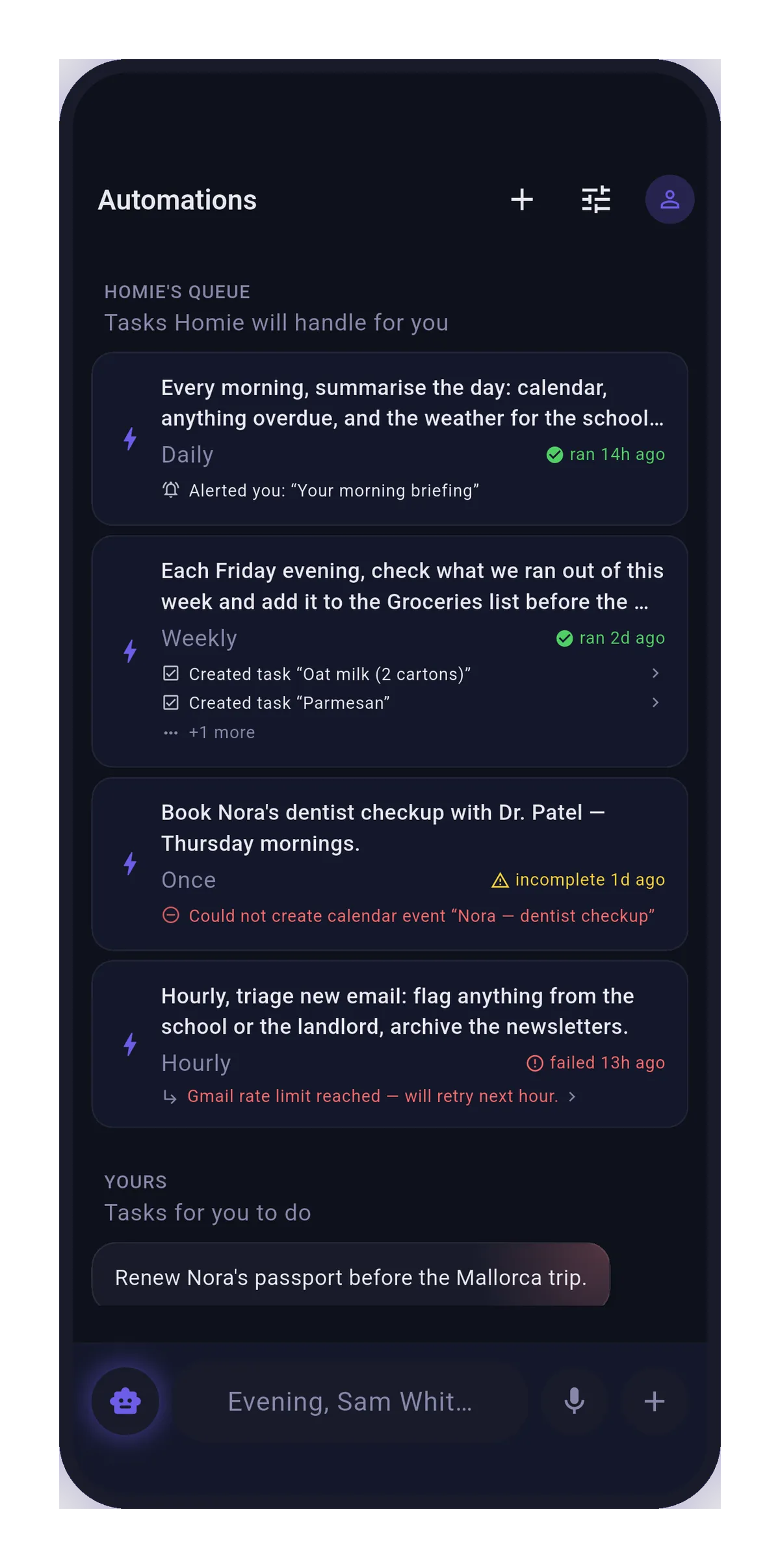
Hand Homie a job and a schedule. Automations run once, hourly, daily, or weekly — a morning agenda summary, an inbox check, a recurring research task.
- Scoped capabilities — each automation can use only the tools you grant it; Homie suggests a sensible set and you have the final say.
- Watch it work — a live run view streams every step as it happens, and a run history shows what each automation did and whether it succeeded.
- Yours or Homie's — assign work to the AI or keep it on your own list with the same scheduling.
Memory you can read and edit
Homie remembers what matters so you don't repeat yourself — and its memory is a page you can open, not a black box.
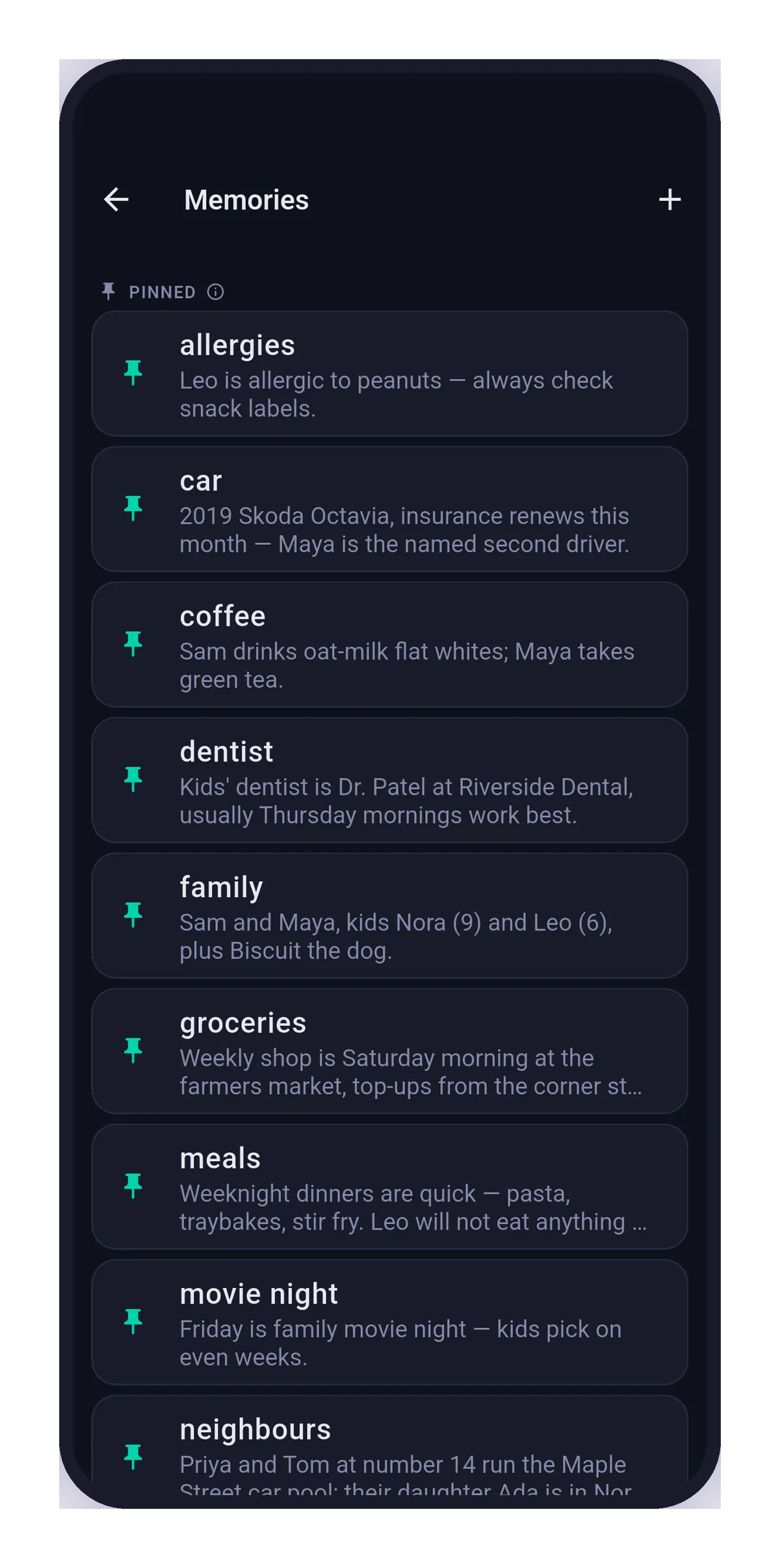
- Three tiers — Pinned notes Homie always keeps in mind, Facts it brings up when the topic comes up, and Episodes it recalls when they're relevant.
- Review queue — when Homie notices something worth remembering, it asks; you confirm or dismiss.
- Full control — edit, re-tier, or delete any memory at any time.
Integrations
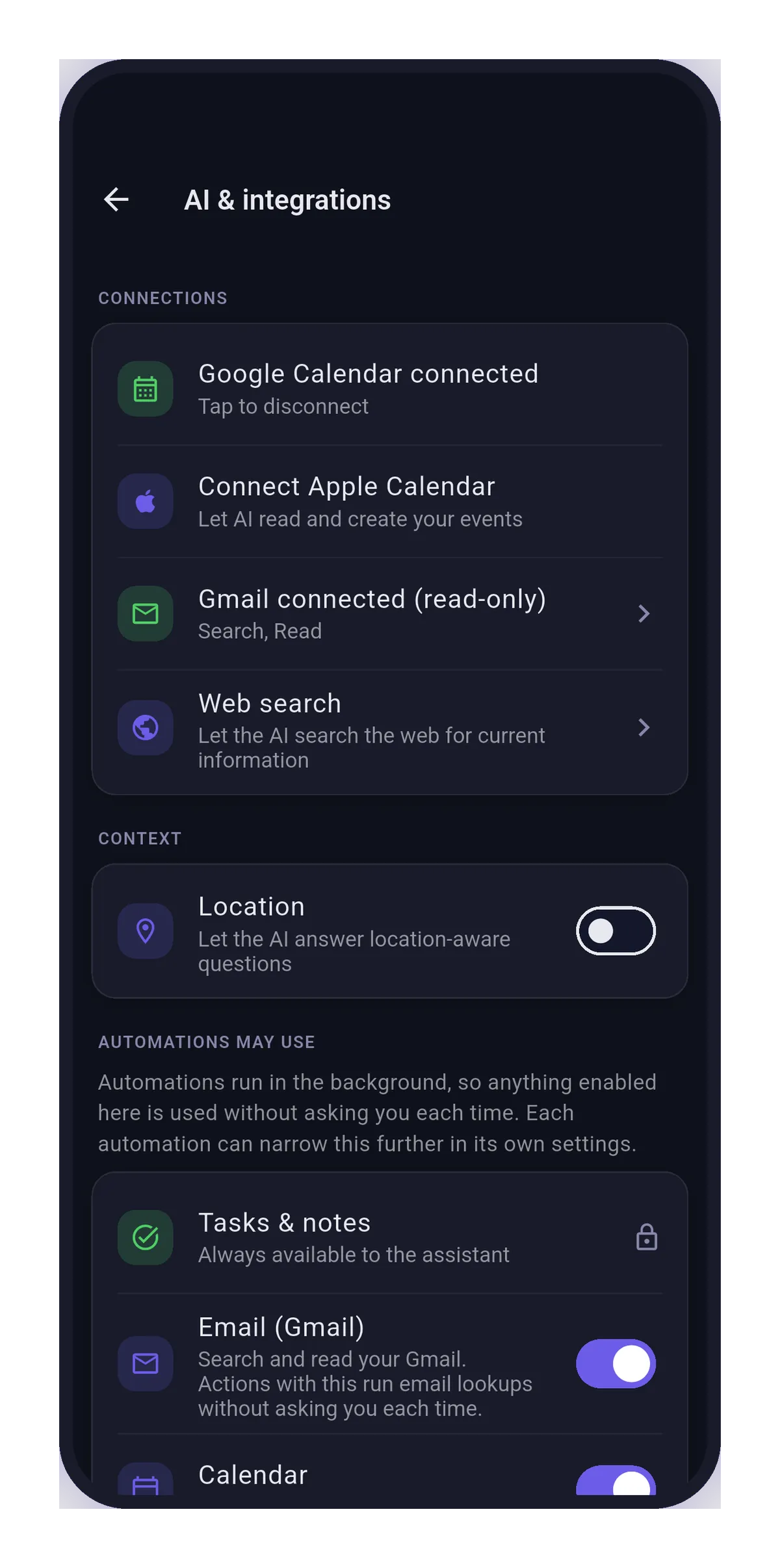
Every integration is off by default, scoped to what you allow, and disconnectable at any time.
- Google Calendar — Homie reads your schedule and creates events, each one with your approval.
- Gmail, read-only — Homie can search and read email to answer you, limited to the labels you choose. It can't send, delete, or change anything.
- Device calendar — Apple/Android calendar access with per-calendar read/write selection.
- Web search — bring your own provider (Brave, Tavily, or Google Programmable Search) with your own API key.
- Location — opt in to location-aware answers about places and events near you.
Sharing & households
Most of Homie is just yours. When you want company, share on your terms.
- Share a task or note — by link or email invite, with viewer or editor roles, and revoke access whenever you like.
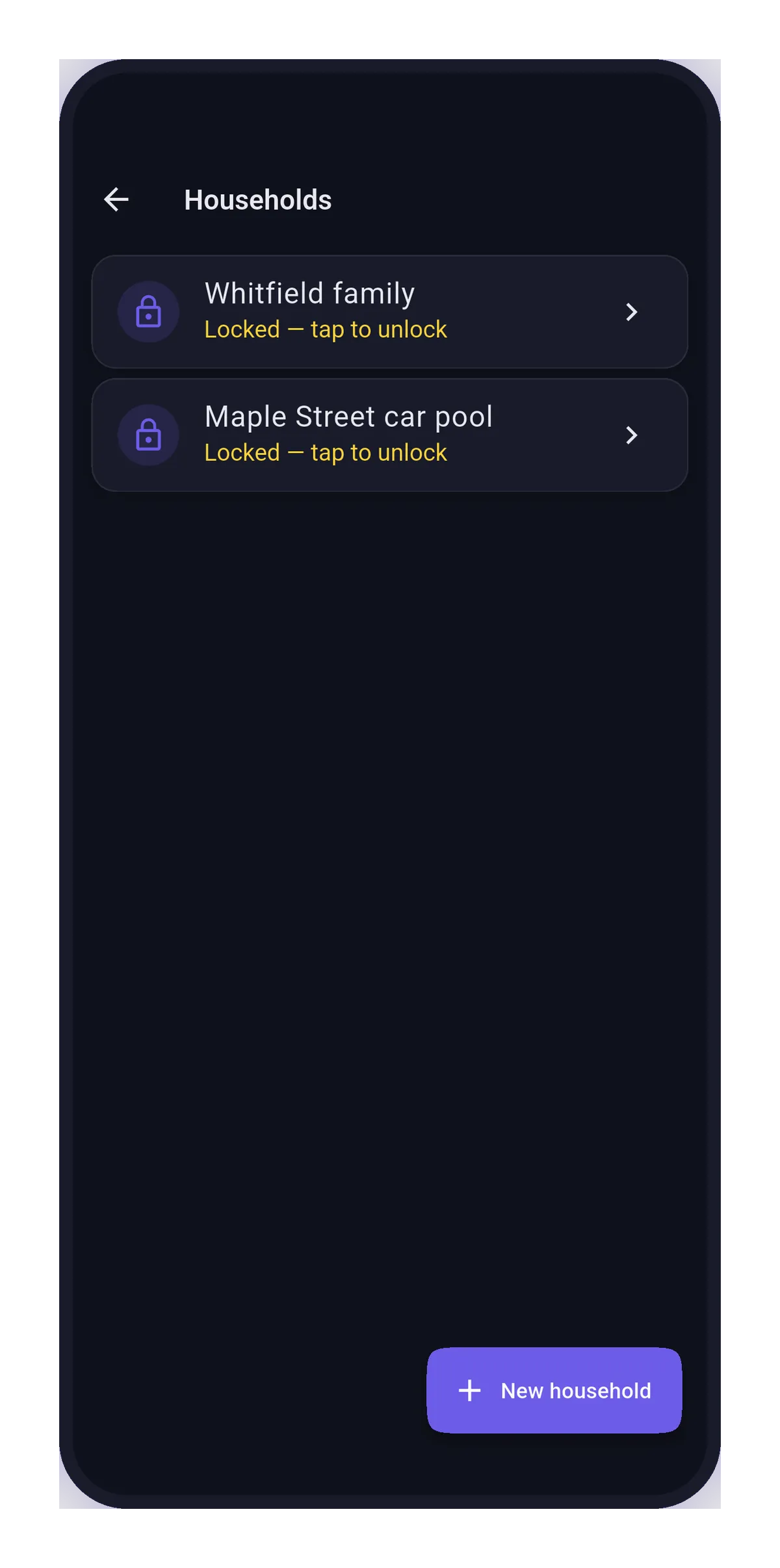
- Household groups — a shared task list for your family or housemates: the groceries, the chores, the trip plan.
- Live updates — shared items stay in sync while you're both looking at them.
Shared items are stored on our servers so the people you invite can access them — see how privacy works.
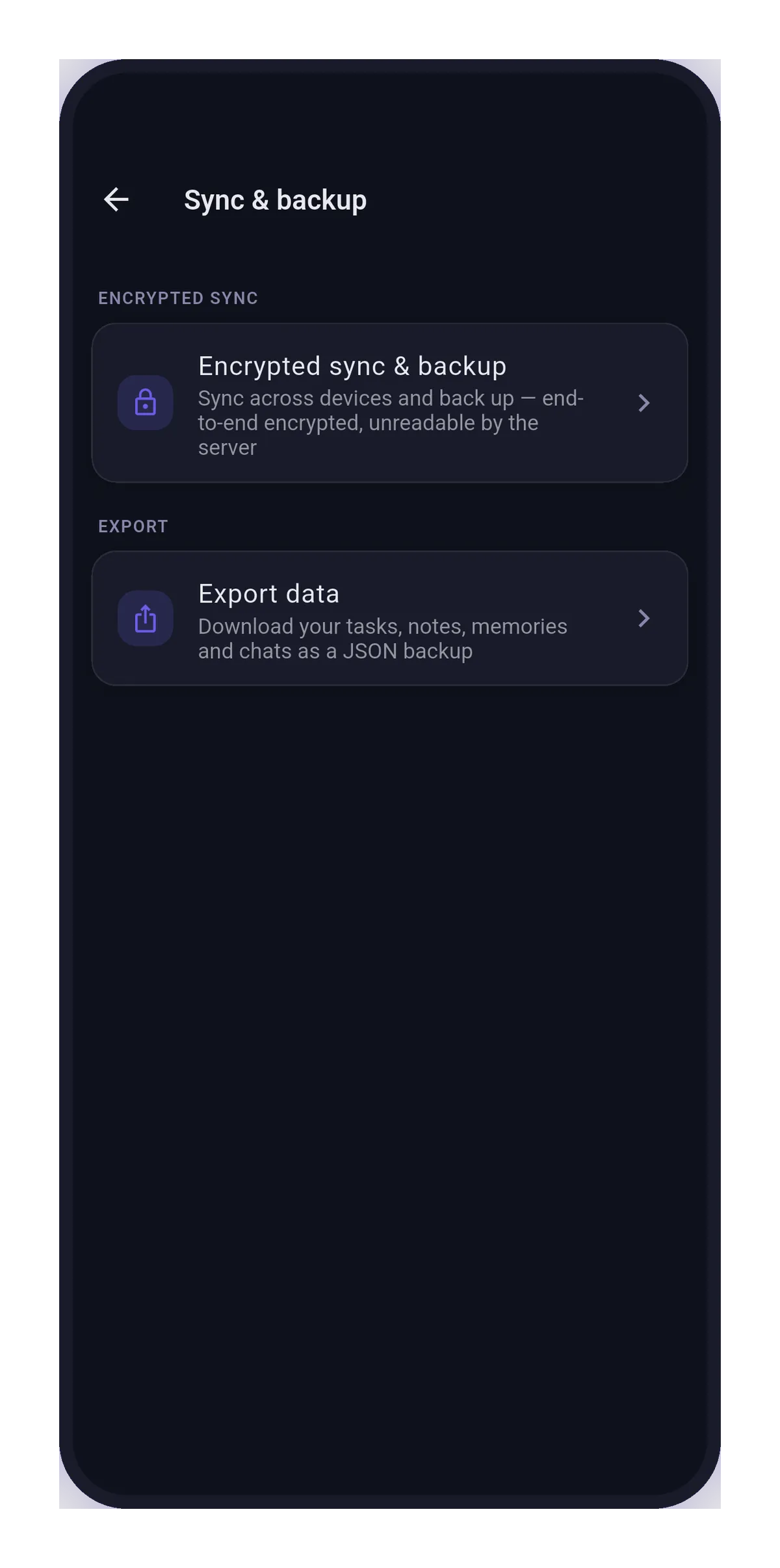
Encrypted sync & backup
Optional multi-device sync and backup, end-to-end encrypted on your device with a passphrase only you hold. We store ciphertext we cannot read — and if synced data ever fails verification when it downloads, Homie warns you and pauses syncing.